
Comprehensive Setup Guide: Reverse Proxy to Tor for Services like BTCPay and Ghost
Comprehensive Setup Guide: Reverse Proxy to Tor for Services like BTCPay and Ghost

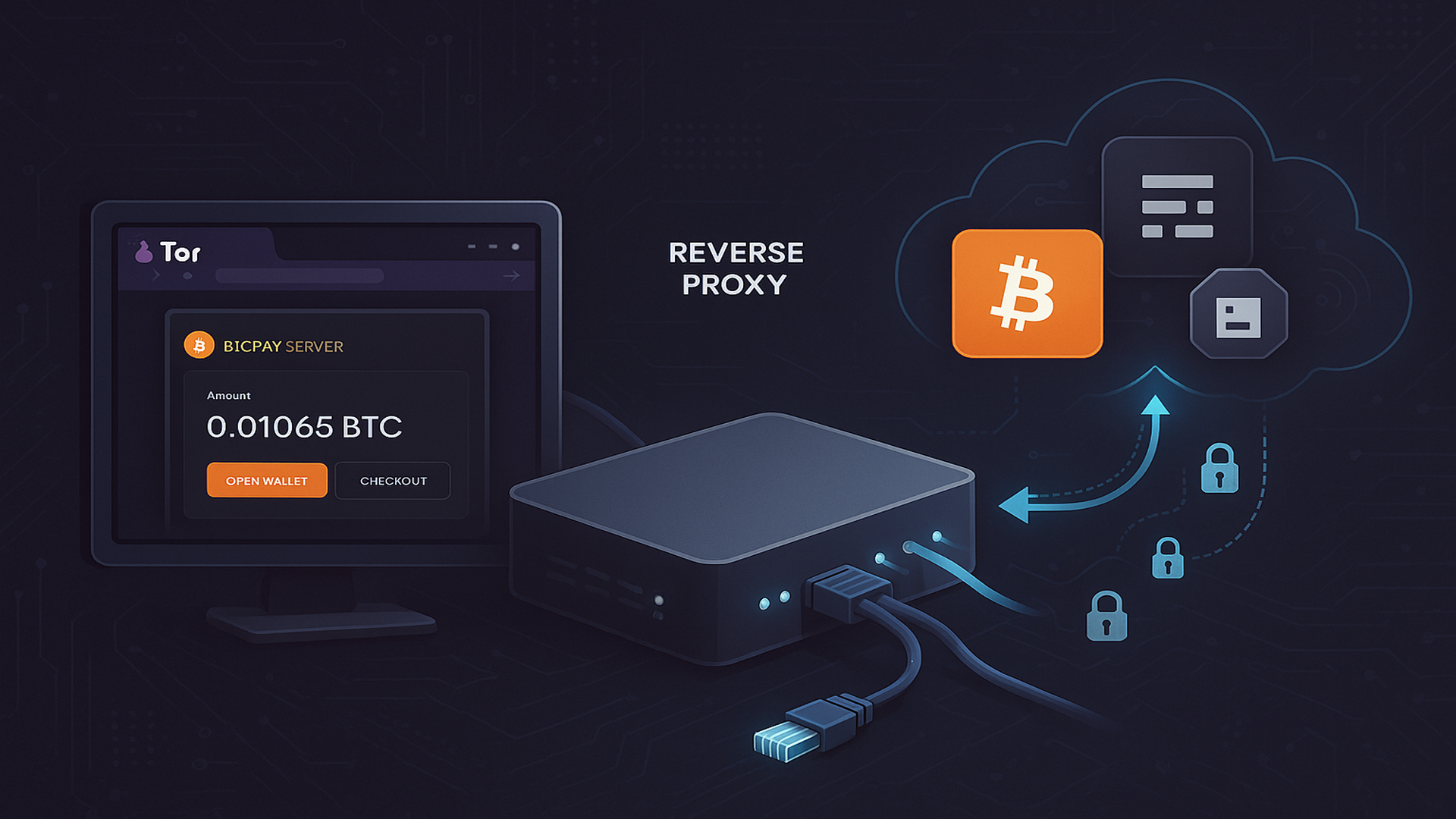
This guide provides a cleaned-up, step-by-step instruction set for creating reverse proxy access to .onion services (like BTCPay, LNbits, or Ghost instances) through clearnet subdomains (e.g. btcpay.cryptospiracy.com, ghost.bitmainstreetmarket.com) using Socat + NGINX securely.
- Install Prerequisites
sudo apt update
sudo apt install -y tor nginx socat certbot python3-certbot-nginx
Copy
- Create the
socatSystemd Proxy Template
sudo nano /etc/systemd/system/[email protected]
Copy
[Unit]
Description=HTTP-to-SOCKS proxy
After=network.target

[Service]
EnvironmentFile=/etc/http-to-socks-proxy/%i.conf
ExecStart=/usr/bin/socat tcp4-LISTEN:${LOCAL_PORT},reuseaddr,fork,keepalive,bind=127.0.0.1 \
  SOCKS4A:${PROXY_HOST}:${REMOTE_HOST}:${REMOTE_PORT},socksport=${PROXY_PORT}

[Install]
WantedBy=multi-user.target
Copy
- Create Socat Proxy Configs (Per Onion Service)
sudo mkdir -p /etc/http-to-socks-proxy
sudo nano /etc/http-to-socks-proxy/btcpayserver.conf
Copy
PROXY_HOST=127.0.0.1
PROXY_PORT=9050
LOCAL_PORT=9081
REMOTE_HOST=chwtrjbg6o5arw5qftdmbqw2xee556zwvoexm5sywmq2nlf36omzpmid.onion
REMOTE_PORT=80
Copy
- Enable and Start the Socat Tunnel
sudo systemctl daemon-reload
sudo systemctl enable http-to-socks-proxy@btcpayserver
sudo systemctl start http-to-socks-proxy@btcpayserver
sudo systemctl status http-to-socks-proxy@btcpayserver
Copy
- Configure NGINX Proxy
sudo nano /etc/nginx/sites-available/btcpayserver.conf
Copy
server {
  listen 80;
  server_name btcpayserver.mydomain.com;

  # Let's Encrypt verification requests
  location ^~ /.well-known/acme-challenge/ {
    allow all;
    root /var/lib/letsencrypt/;
    default_type "text/plain";
    try_files $uri =404;
  }

  # Redirect everything else to https
  location / {
    return 301 https://$server_name$request_uri;
  }
}
Copy
sudo apt update
sudo apt install -y tor nginx socat certbot python3-certbot-nginx
Copy
sudo ln -s /etc/nginx/sites-available/btcpayserver.conf /etc/nginx/sites-enabled/
sudo nginx -t && sudo systemctl reload nginx
Copy
- Get SSL Certificate (Only after HTTP block is active)
sudo certbot --nginx -d btcpay.cryptospiracy.com
Copy
- Optional: Strengthen TLS (DH Params)
sudo openssl dhparam -out /etc/ssl/certs/dhparam.pem 4096
Copy
- Firewall Setup (Limit Access to Socat Port)
sudo ufw allow from 127.0.0.1 to any port 9081
sudo ufw deny 9081
sudo ufw reload
sudo ufw status numbered
Copy
- Repeat for Additional Services
- Change the port (9082, 9083, etc.)
- Change the .onion address
- Use a different systemd config like ghostserver.conf
- Adjust NGINX site block and domain accordingly (e.g. ghost.bitmainstreetmarket.com)
- Health Check
netstat -tulpn | grep socat
sudo systemctl status http-to-socks-proxy@btcpayserver
curl -I https://btcpay.cryptospiracy.com
Copy
You now have a production-ready, secure reverse proxy to a Tor .onion service available via clearnet subdomain using Socat + NGINX + SSL. Repeat for each Tor app you want to expose.
For deeper reference you can visit https://docs.btcpayserver.org/Deployment/ReverseProxyToTor/ on BTCpay Server - #Reverse proxy to Tor
Away designs can explore colours beyond a club's usual home palette. For collectors examining club history, Paris Saint-Germain football jerseys(camisetas del Paris Saint-Germain) names the specific shirt theme under discussion. Care instructions are worth reviewing so colours and printed details remain in good condition.